
QR Code Instructions
Instructions to download the app:
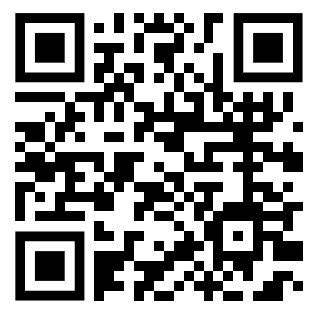
1). Use the below QR Code to launch the download page.
 | 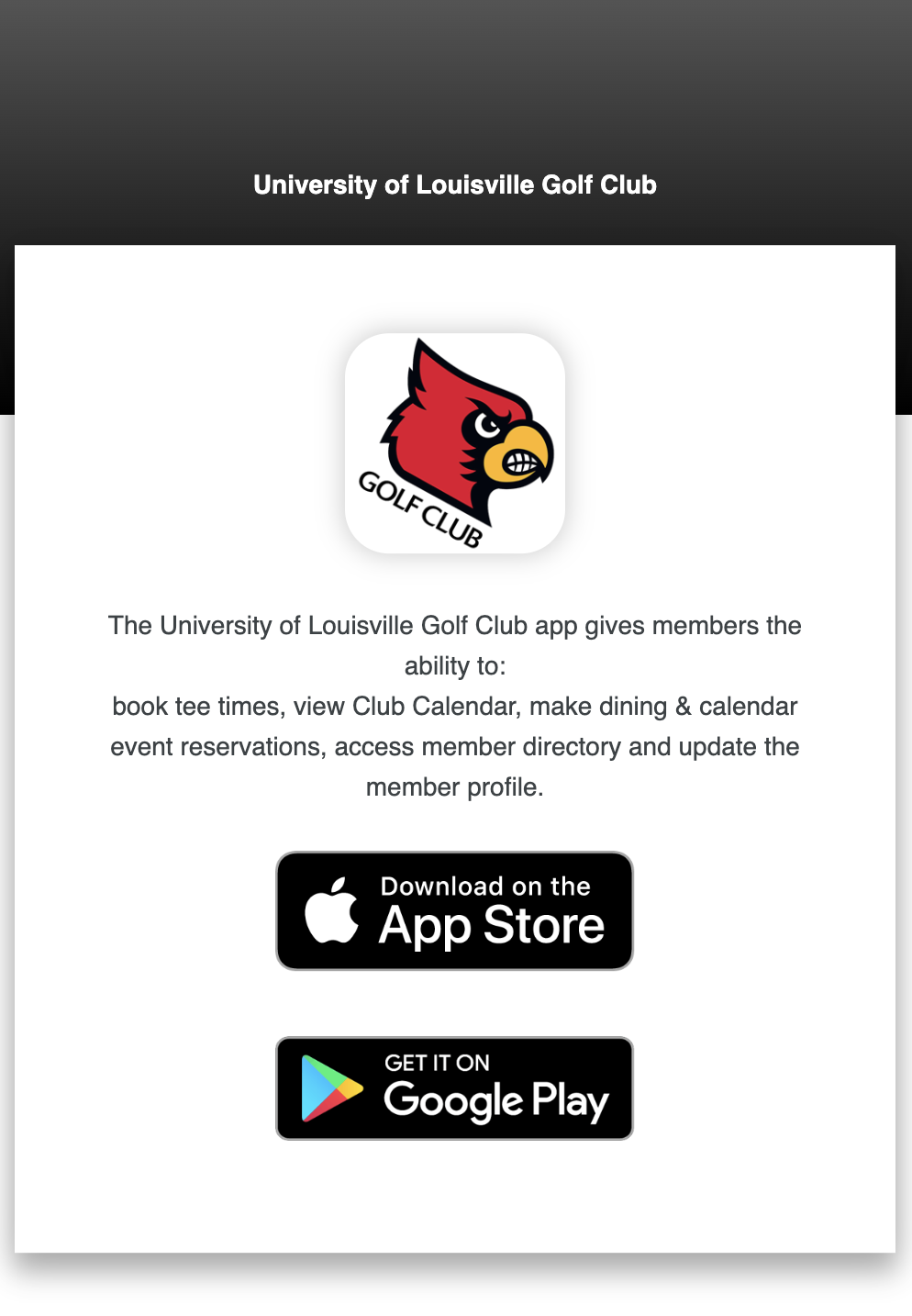 |
2). Click on the button which applies to your mobile device and either App Store or Google Play will launch.
3). Follow the Store instructions below to install app.
NB: Please be aware you will not be able to install differing apps to operating systems
Apple Instructions
| Android Instructions
|
Instructions to enable Push Notifications:
- Access app by entering club username & password
- Click on App Settings in QuickLinks
- Click on Accept Push Notifications (or Ignore Push Notifications to not receive any)
Your device can now accept push notifications from University of Louisville Golf Club.